Industry
Video & Motion for WordPress Plugins and Themes
A plugin listing gives you an icon, a banner, a handful of screenshots, and a readme — and every competitor gets exactly the same. We make the demo video, the setup tutorial, and the directory artwork that turn that listing into something a site owner can understand before installing. We build on this platform ourselves: SyncDock, GuestDock, and AuthDock are our own plugins, published free on WordPress.org.
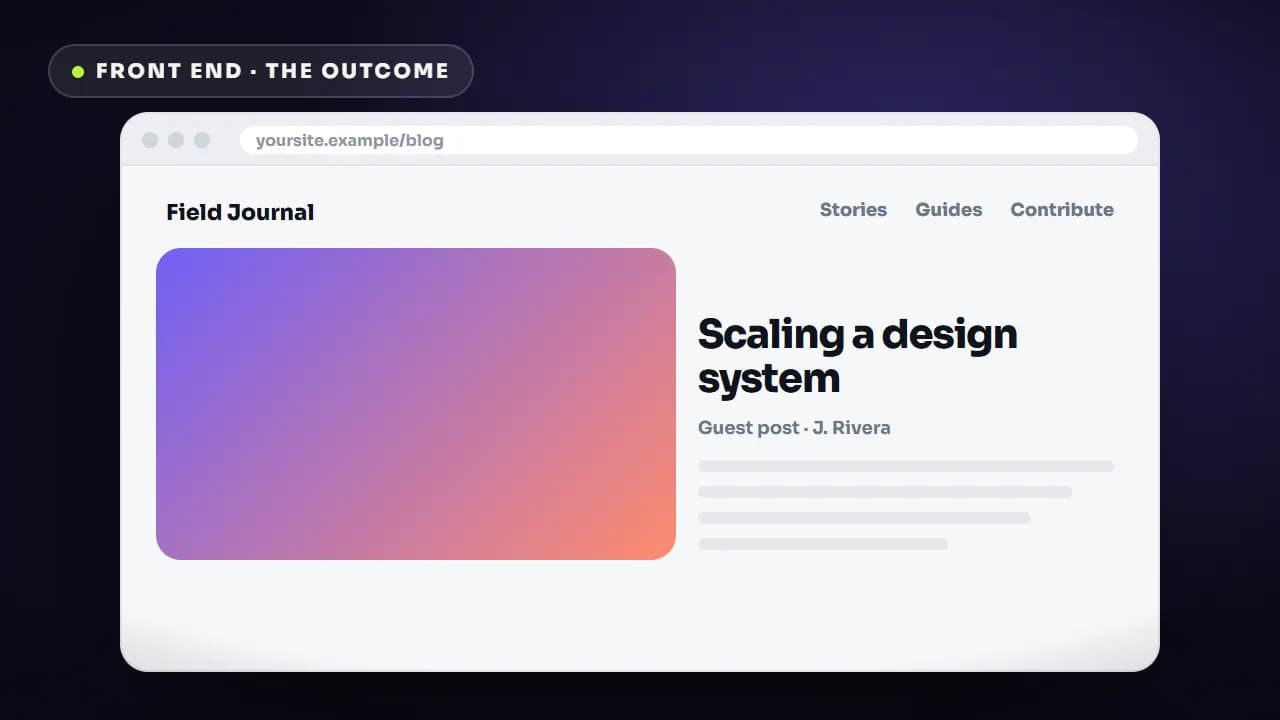
Everyone gets the same listing, so the listing cannot be the differentiator
The WordPress.org plugin directory is a fair fight with a fixed layout. Your banner, your icon, your screenshots, and your readme sit in the same slots as everyone else's, and screenshots of a WordPress admin screen look broadly identical across an entire category — the same sidebar, the same settings tabs, the same grey. A site owner comparing five caching plugins or five membership plugins is not reading feature lists carefully; they are scanning for whichever one makes them feel like installation will not break anything. That decision is made on comprehension, not on features. The second problem arrives after install: support inboxes for plugin businesses fill with setup questions that were already answered in the readme nobody read, and every one of those tickets is paid for in founder hours rather than in marketing budget.
What we make for WordPress teams.
A product intro that survives the directory's own layout
A short demo cut for two homes at once: your marketing site's hero, and the plugin description on WordPress.org, where a YouTube or Vimeo URL on its own line embeds directly in the listing. That means it has to open on something legible at small size and make sense to someone who has not read a word of the page above it. PixJet's intro is built exactly this way — it leads with a visible before and after, then puts the compression and CDN work behind the result rather than in front of it.
Setup and configuration tutorials that answer support tickets
The single highest-value video a plugin business can own is the one that shows install-to-working without a support thread. We capture the real activation flow, the real settings screen, and the real first successful result, then cut it per task so you can link one clip from one canned reply. PixJet uses its setup tutorial as exactly that kind of link, from both support responses and the plugin page.
Directory artwork built to the real asset specs
Plugin listings want specific files: banner-772x250 and banner-1544x500 for retina, icon-128x128 and icon-256x256, and numbered screenshot-1, screenshot-2 files captioned in the readme. We deliver those at spec alongside the video, with the banner designed to stay readable when it is scaled down in a search result and the icon designed to survive at favicon size, where most category browsing actually happens.
Feature explainers for plugins that do more than one thing
Multi-feature plugins have a specific failure mode: they read as "does everything, explains nothing". ZenCommunity bundles community discussions, group chat, private messaging, support tickets, and live chat into one plugin, and the intro we built for it follows a single member journey — a discussion becomes a group chat, and that conversation becomes a tracked support ticket — so the modules are shown connecting instead of being listed. We use the same approach for feature-heavy themes and page builders.
What's different here.
The constraints that change how the work has to be made for this buyer — not a generic process with the industry name swapped in.
We ship on this platform, not just about it
SyncDock, GuestDock, and AuthDock are our own plugins, published free on WordPress.org. That means we have written the readme, sized the banner, been through review, and answered the support mail. When we say a screenshot caption or an onboarding step is where users get stuck, it is a conclusion from running plugin listings, not a guess about them.
Your viewer is a site owner, not a developer
Most plugin buyers are bloggers, photographers, course creators, agencies, and store owners. They care about page speed and whether something will break, not about edge networks, object caching, or hooks. Scripts get written in that register — the outcome first, the mechanism only where it earns trust. PixJet's audience was the clearest example of this, and the video sells speed and image quality rather than CDN architecture.
The admin screen is a hard thing to film
wp-admin is grey, dense, and full of chrome that means nothing to the viewer: unrelated menu items, notices from other plugins, a screen that looks the same before and after your feature runs. We clean the environment before capture, crop to the part of the screen that carries the action, and use motion to point at the change, because the change is often a number that moved by one.
Free tier, pro tier, and what a demo may promise
Most plugin businesses run a free listing and a paid upgrade, and directory guidelines are strict about how a free plugin's assets sell the paid one. We keep the demo about what the version being installed actually does, and put upgrade messaging in the assets that belong to your own site — where it belongs, and where it will not put a listing at risk.
The work.
2 published projects in this industry, each linked to the live product so you can check them yourself.
WordPress · Community & Support Platform
ZenCommunity
Turning five plugins' worth of features into one clear pitch in under a minute
Read the case studyWordPress · Image CDN & Performance
PixJet
Explaining server-side image optimization to people who just want a faster site
Read the case study icon 256 × 256
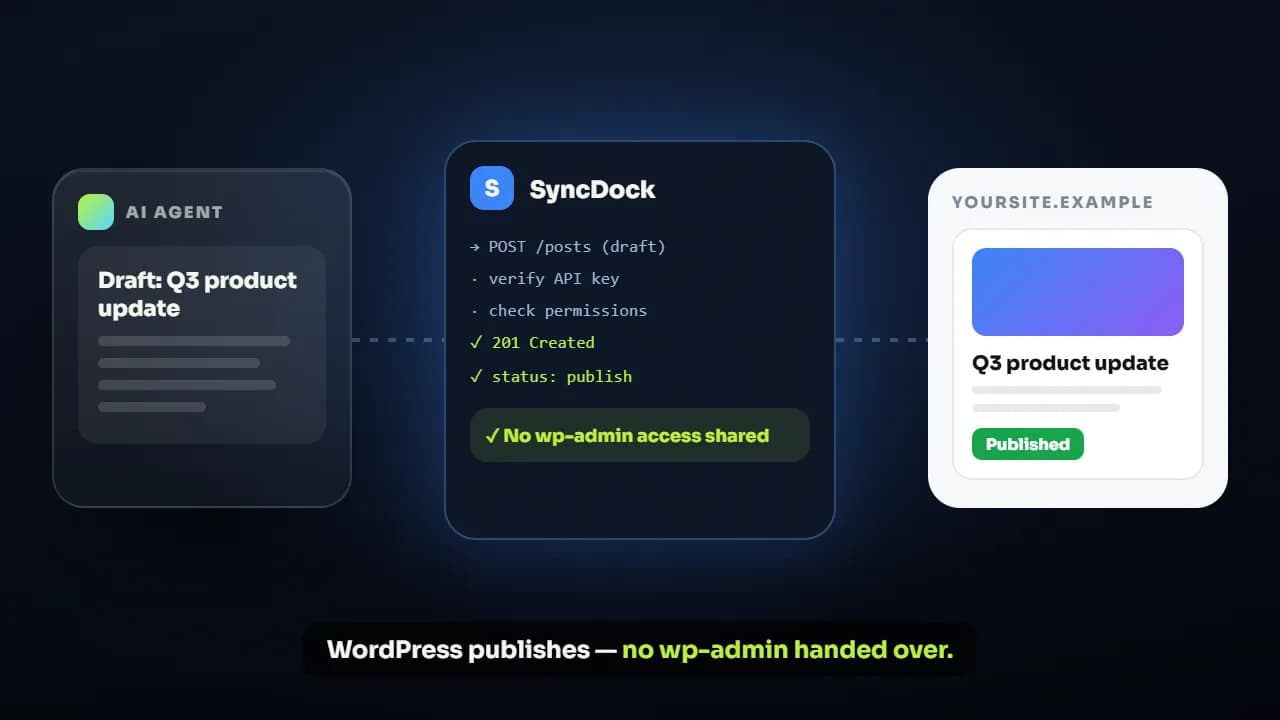 demo video
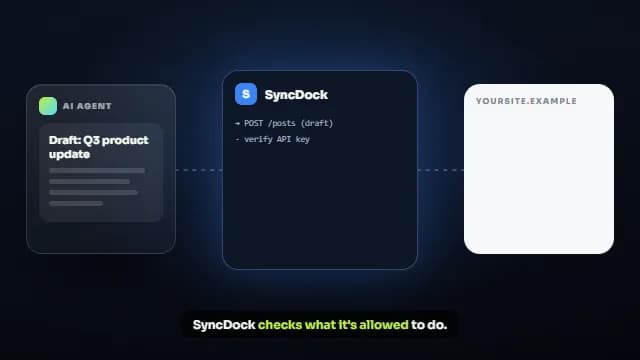 Request log
 Permissions
 Publishingcaptioned screenshots
Services WordPress teams buy most.
SaaS & App Explainers
Explainer videos that turn complex software features into clear, engaging visual stories.
View serviceHow-To & Tutorial Videos
Bite-sized product walkthroughs and tutorial videos that cut support tickets by showing, not telling.
View serviceSocial Media Kits
Bulk motion asset kits for Instagram, TikTok, and LinkedIn ad campaigns.
View serviceCustom Branding Motion
Animated logo reveals, transition packs, and brand idents.
View serviceLottie & Web Motion
Lightweight Lottie and SVG animation for websites, built for performance and interactivity.
View serviceWhere WordPress teams usually start.
Fixed scope, fixed price, fixed schedule. How the turnaround clock works.
WordPress video questions.
Yes. A YouTube or Vimeo URL placed on its own line inside the plugin description in readme.txt embeds in the listing, so the demo plays where people are deciding. Because it sits above the fold on a page nobody has read yet, we cut a version that opens on a legible result rather than on a logo, and we make sure it still communicates with the sound off.
Banners at 772x250 and 1544x500 for retina, icons at 128x128 and 256x256, and numbered screenshot files to match the captions in your readme. We design the banner so it stays readable when it is scaled down in a search result, and the icon so it still reads at favicon size — which is where most category browsing actually happens.
One sub-60-second demo starts at $200 on Solo Starter with a 3-day turnaround. Solo Launch at $300 is the usual fit for a plugin release, because it covers a product intro, a longer walkthrough, a tutorial, and five reels together. Startup Boost at $550 adds a feature-specific explainer and a ten-asset social kit for launch week.
It gives your team something to link instead of retyping. PixJet uses its install tutorial from both support responses and the plugin page for exactly that reason. We cannot promise a specific reduction and will not print one, but the mechanism is simple: cut the tutorial per task, so one canned reply points at one clip that answers one question rather than a twelve-minute tour.
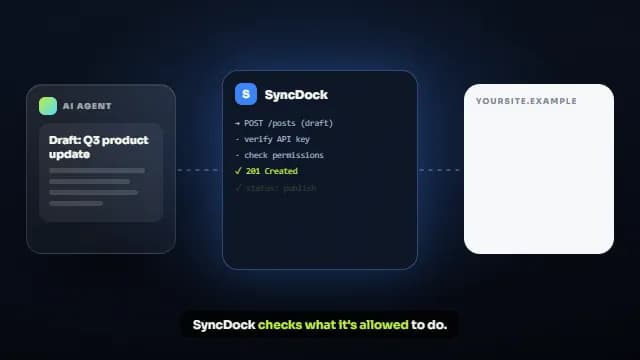
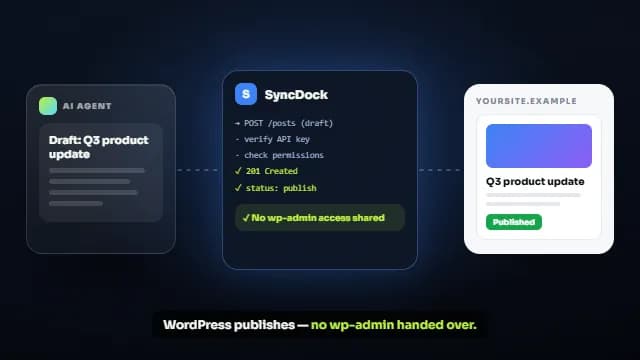
We publish on WordPress.org ourselves — SyncDock, a headless API gateway; GuestDock, a guest-post workflow with isolated contributor sandboxes; and AuthDock, a login-security plugin. You will not spend the kickoff explaining what a hook, a readme, or a review queue is. Send us a staging site or a pro licence and we will find the journey worth filming.
Yes, and the brief changes. A theme is judged on what the visitor's finished site will look like, so the video leads with realistic front-end results and demo-content variety, then shows the customiser or builder doing the work. Themes with a page builder usually also need a short per-module tutorial set, which is the same structure we use for feature-heavy plugins.
Ownership, licensing, payment, and revisions are answered in the full FAQ.
Verified reviews, not cherry-picked quotes.
We'd rather send you to an independent review platform than write our own testimonials. See what clients say about working with Degird on Trustpilot.
Read Our Trustpilot ReviewsOther industries we work in
Building in WordPress?
Tell us what the video has to achieve and when you need it. We reply within one business day with a package or a scoped quote.
Start your project