Industry
Video Production for SaaS & Software Products
Software is invisible until someone watches it work. We script from a demo login rather than a pitch deck, rebuild the real interface as motion, and cut the same production down for the landing page, onboarding, app-store listings, and paid social. EmailFunnelAI, TubeOnAI, and Tubeup all run work from this studio as the first thing a visitor sees.
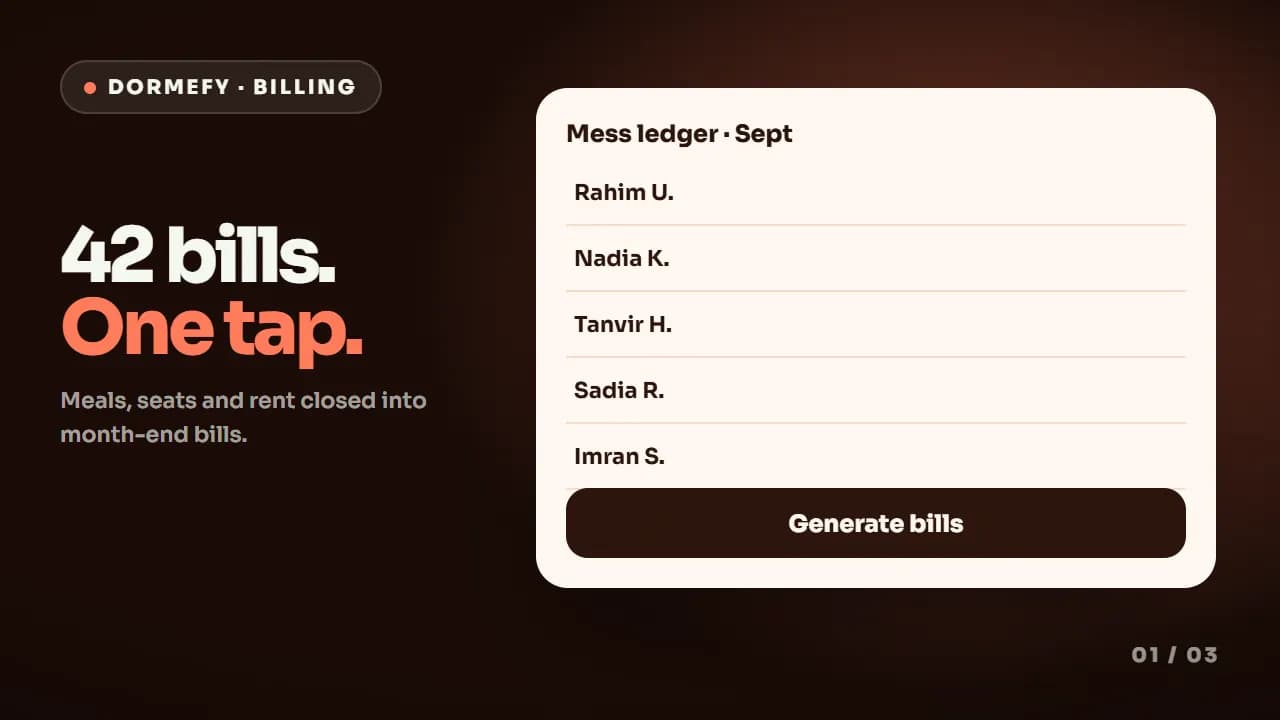
The pitch is not the problem — the abstraction is
Every SaaS homepage claims to automate, streamline, or unify something, which means the words on the page do almost no work in separating you from the ten competitors a buyer opened in adjacent tabs. What separates you is the specific screen where the manual version of the job collapses into one action. Text cannot deliver that, because the reader has to assemble an interface they have never seen from a description, and most of them leave before they finish assembling it. The problem compounds after signup: teams write a homepage video, then discover onboarding needs a different explanation, sales needs a shorter one, and the app-store listing needs one that works without sound. So they either commission four productions at four separate prices, or they stretch one asset across four jobs and it does none of them well.
What we make for SaaS teams.
A hero explainer built from the product, not the copy
We start inside the product. Given a demo login or clean 1080p screen recordings, we find the single realistic journey that proves the value fastest — one task, start to finish — and script around it. That script goes to you for written approval before a frame is animated, because a script problem costs an hour and an animation problem costs a week. The finished 30–60 second master is built to read with the sound off first, then layered with voiceover and sound design for the people who unmute.
Onboarding walkthroughs and single-feature tutorials
The video that sells a product is the wrong video for teaching it. We produce separate walkthroughs for post-signup users, cut per task rather than as one long tour, so your support team can answer a question with a two-minute clip instead of a call. This is exactly how the Tubeup and CloudRx tutorial sets are structured — channel connection, bulk upload, and scheduling as three standalone videos rather than one twelve-minute recording nobody finishes.
Cutdowns and reels from the same production
One 60-second master is rarely enough. From the same capture and design pass we produce a 30-second landing-page cut, properly reframed 9:16 and 1:1 versions with burned-in captions, and short single-feature clips for onboarding emails, changelogs, and support macros. Produced together they cost a fraction of commissioning them separately six weeks later — and they stay visually consistent, which is the part that quietly breaks when assets are bought piecemeal from different vendors.
Launch, ad creative, and web motion for the rest of the funnel
Beyond the explainer, SaaS teams usually need three more things: a launch or countdown video for the announcement, modular ad variations that a media buyer can actually test against each other, and lightweight Lottie motion for the site and in-app onboarding so the page still loads fast. We build these off the same styleframes as the hero video, so the ad a stranger sees on LinkedIn and the animation they meet after signup look like the same company.
What's different here.
The constraints that change how the work has to be made for this buyer — not a generic process with the industry name swapped in.
Your UI will change before the video does
Software ships. If a redesign is coming, tell us at the brief stage and we build around abstracted UI — your layout logic and brand colours without pixel-exact screenshots — which survives several releases. Where pixel accuracy matters more, you still receive the editable project files, so a screen swap after your next release is a small job rather than a new production.
Your buyer evaluates alone, in a trial, with the sound off
Most SaaS is bought without ever speaking to you. That changes what the video has to do: it is not a support act for a sales call, it is the sales call. The edit has to carry its argument on-screen for a muted autoplay, put a recognisable product frame up inside the first two seconds, and show the interface the viewer will meet ten minutes later if they sign up.
Category jargon is the most common failure
"Orchestration layer", "AI-native workflow", "unified data plane" — language that is precise inside your team and meaningless to a first-time visitor. We write the script against what the product does on screen, then check every line against the picture it plays over. If a sentence needs a diagram the viewer does not have, it gets rewritten or the diagram gets built.
One production, four distribution surfaces
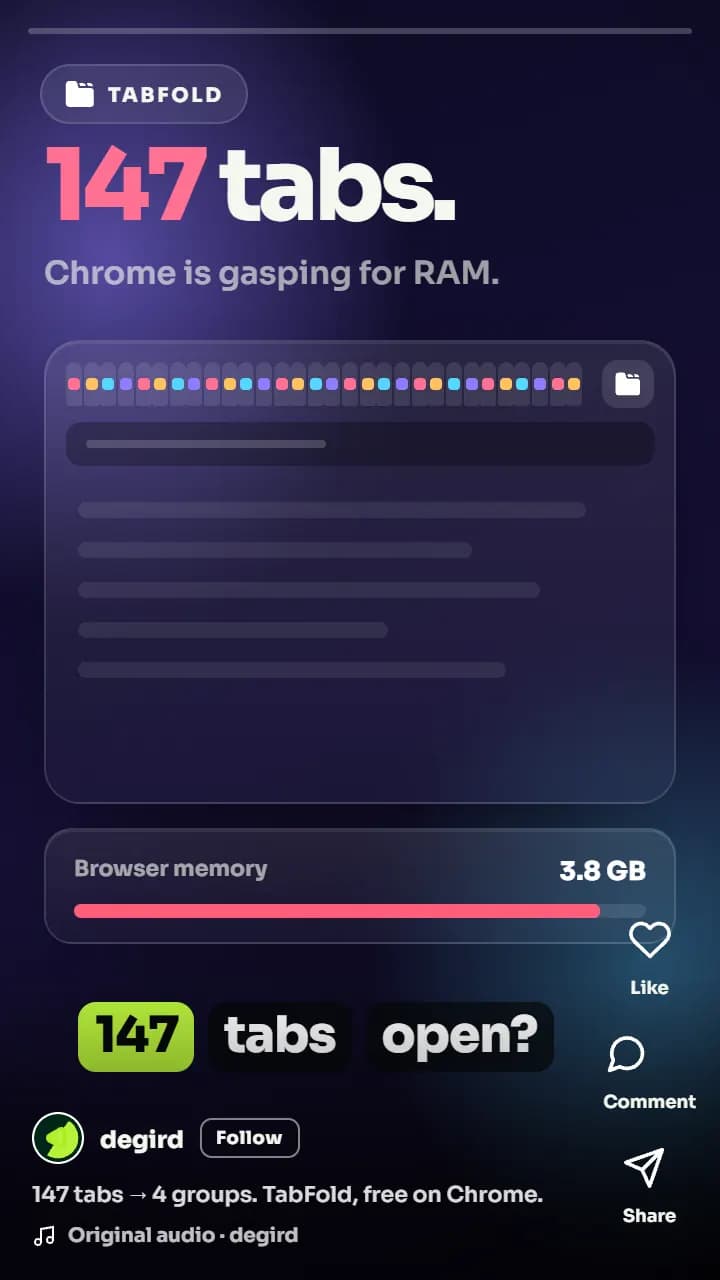
The same explanation has to work on the landing page, inside an onboarding email, on an app store or Chrome Web Store listing, and in a feed. Those have different lengths, different aspect ratios, different caption rules, and different first-frame requirements. We plan the cutdowns at the script stage rather than trimming a finished master afterwards, which is why the versions do not look like crops.
The work.
3 published projects in this industry, each linked to the live product so you can check them yourself.
SaaS · AI Email Marketing
EmailFunnelAI
Turning a prompt-to-funnel AI tool into a story people understand in 60 seconds
Read the case studyDesktop App · YouTube Publishing Automation
Tubeup
Showing a bulk-upload tool beat the manual routine it replaces, in one pass
Read the case studySaaS · AI Content Summarization
TubeOnAI
Showing, not telling, how one platform turns hours of video into a two-minute read
Read the case study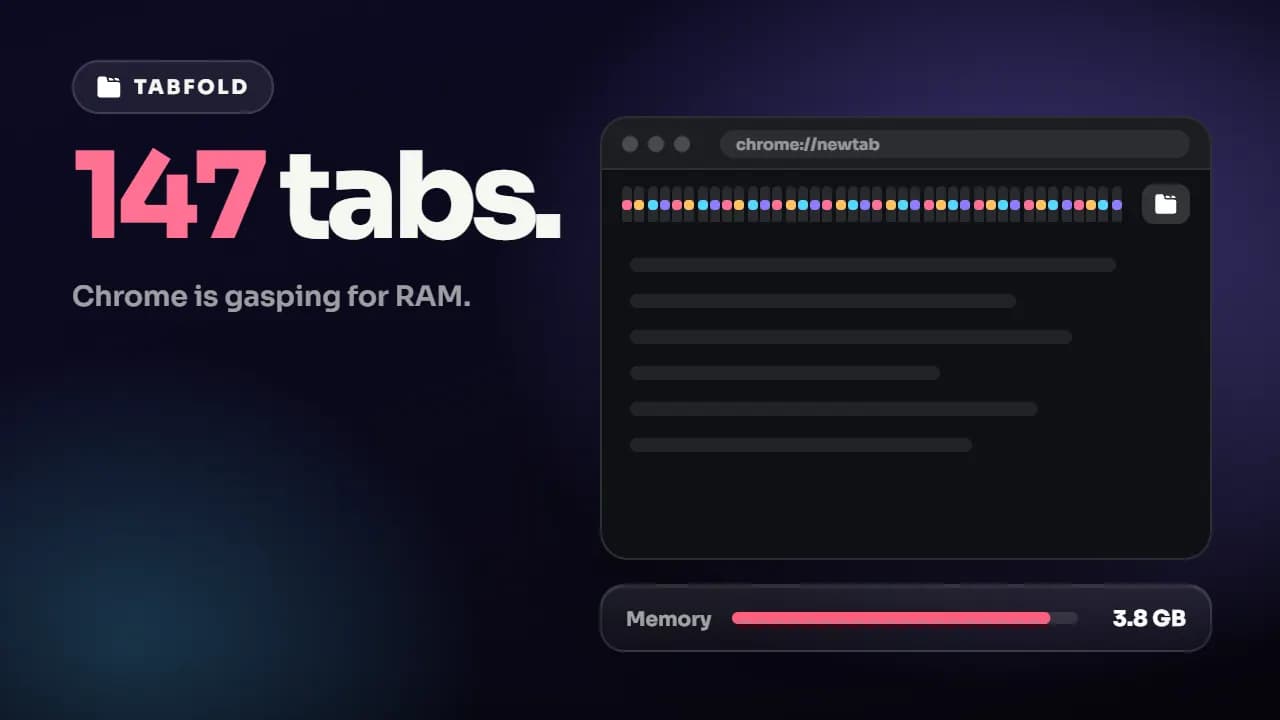
Services SaaS teams buy most.
SaaS & App Explainers
Explainer videos that turn complex software features into clear, engaging visual stories.
View serviceHow-To & Tutorial Videos
Bite-sized product walkthroughs and tutorial videos that cut support tickets by showing, not telling.
View serviceProduct Promo Videos
High-energy product trailer videos built to grab attention in the first few seconds.
View serviceSocial Media Kits
Bulk motion asset kits for Instagram, TikTok, and LinkedIn ad campaigns.
View serviceAd Creative Systems
Modular, on-brand paid-social ad variations built to be tested and iterated at media-buying speed.
View serviceLottie & Web Motion
Lightweight Lottie and SVG animation for websites, built for performance and interactivity.
View serviceWhere SaaS teams usually start.
Fixed scope, fixed price, fixed schedule. How the turnaround clock works.
$200
Solo Starter
One hero video to anchor your landing page.
3-day turnaround · 1 revision round
$550
Startup Boost
Everything in Solo Launch, built out for your first ad tests.
7-day turnaround · 3 revision rounds
$950
Growth Bundle
A distinct brand look, built for scaling acquisition.
10-day turnaround · Unlimited revisions
SaaS video questions.
A single sub-60-second explainer starts at $200 on the Solo Starter package, with one revision round. Startup Boost at $550 adds a walkthrough, a tutorial, a feature explainer, reels, and a social kit. Growth Bundle at $950 adds a launch video, a 2D/3D product intro, an animated logo, and modular ad variations. Teams shipping video continuously usually move onto the monthly retainer instead of buying kits repeatedly.
A demo login is the best input, because it lets us capture the real interface at its real pace. Clean screen recordings at 1080p or higher work almost as well, and a Figma file works when the feature is not built yet. Compressed screenshots pulled out of a slide deck do not, because they cannot be re-timed or reframed. We sign an NDA before receiving credentials whenever you want one.
Thirty to sixty seconds for a landing-page hero. Sixty to ninety for post-signup onboarding, where the viewer has already opted in and is trying to learn something specific. Two to three minutes for a full walkthrough on a dedicated page or an app-store listing. The most common mistake is asking one video to do all three jobs — it ends up too long for the hero and too vague for onboarding.
It depends on which way you buy. A fixed-price package runs 3 to 14 days for the entire kit, and the exact figure is printed on each one. A custom-scoped one-off project runs 7 to 10 days. On the monthly retainer, individual requests average about 48 hours, handled one at a time from your queue — that figure describes a single request, never a whole package.
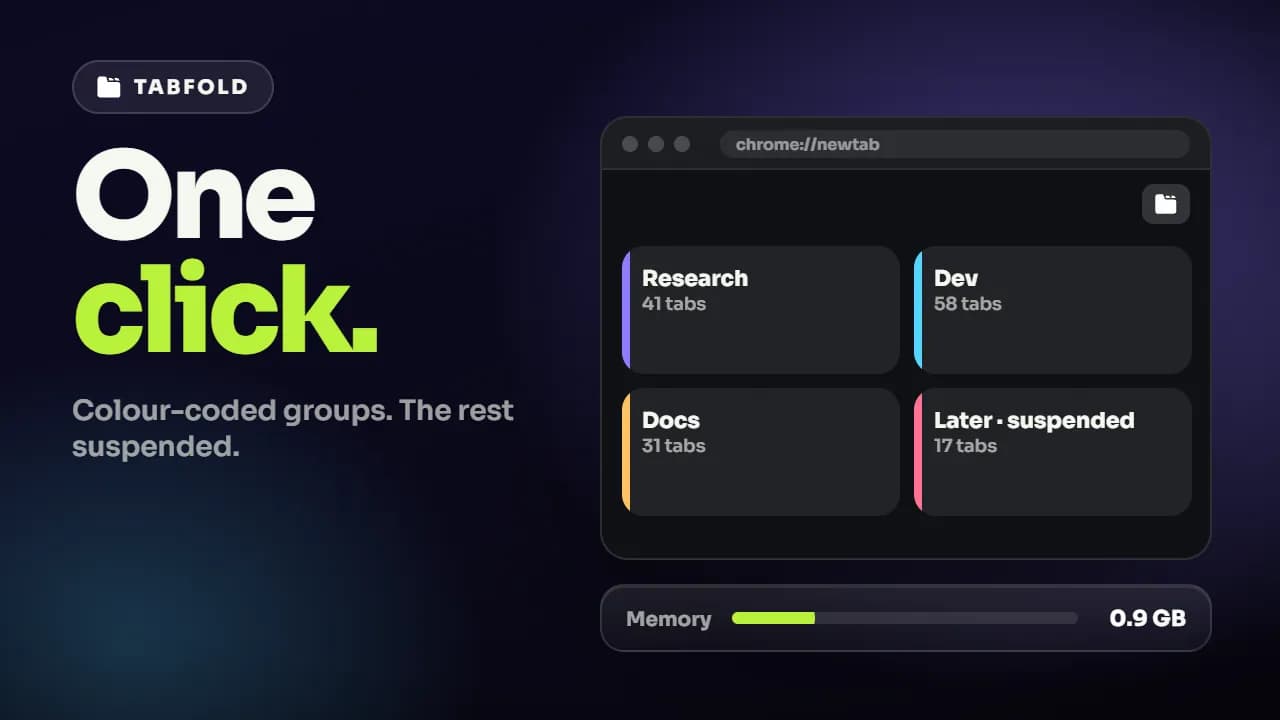
Yes. Tubeup is a Windows and macOS desktop app that processes uploads locally, and the demo for it was built around the same method we use for web products: capture the real interface, run the real job, and let the viewer watch the manual routine collapse. Chrome Web Store and app-store listings have their own length and first-frame conventions, and we cut to those rather than reusing the site master.
Yes. On final payment, ownership of the finished video and the editable source files transfers to you, with no usage window, territory limit, or separate buy-out. Every third-party asset in the edit is commercially licensed before it is used, and you receive the asset list with delivery.
Ownership, licensing, payment, and revisions are answered in the full FAQ.
Verified reviews, not cherry-picked quotes.
We'd rather send you to an independent review platform than write our own testimonials. See what clients say about working with Degird on Trustpilot.
Read Our Trustpilot ReviewsOther industries we work in
Building in SaaS?
Tell us what the video has to achieve and when you need it. We reply within one business day with a package or a scoped quote.
Start your project