Video Production
SaaS & App Explainer Videos
A software product is invisible until somebody watches it work. We build explainer videos around your real interface — scripted from what the product actually does, paced against how fast it actually moves — so a visitor understands the thing in under a minute instead of reading three paragraphs and guessing.
- SaaS teams whose landing page explains features but never shows the product running
- Founders whose trial signups stall before the first meaningful action
- Product marketers who need one explanation that holds up on the site, in onboarding, and in a sales call
- WordPress plugin and theme businesses competing on a directory listing where everyone's screenshots look alike
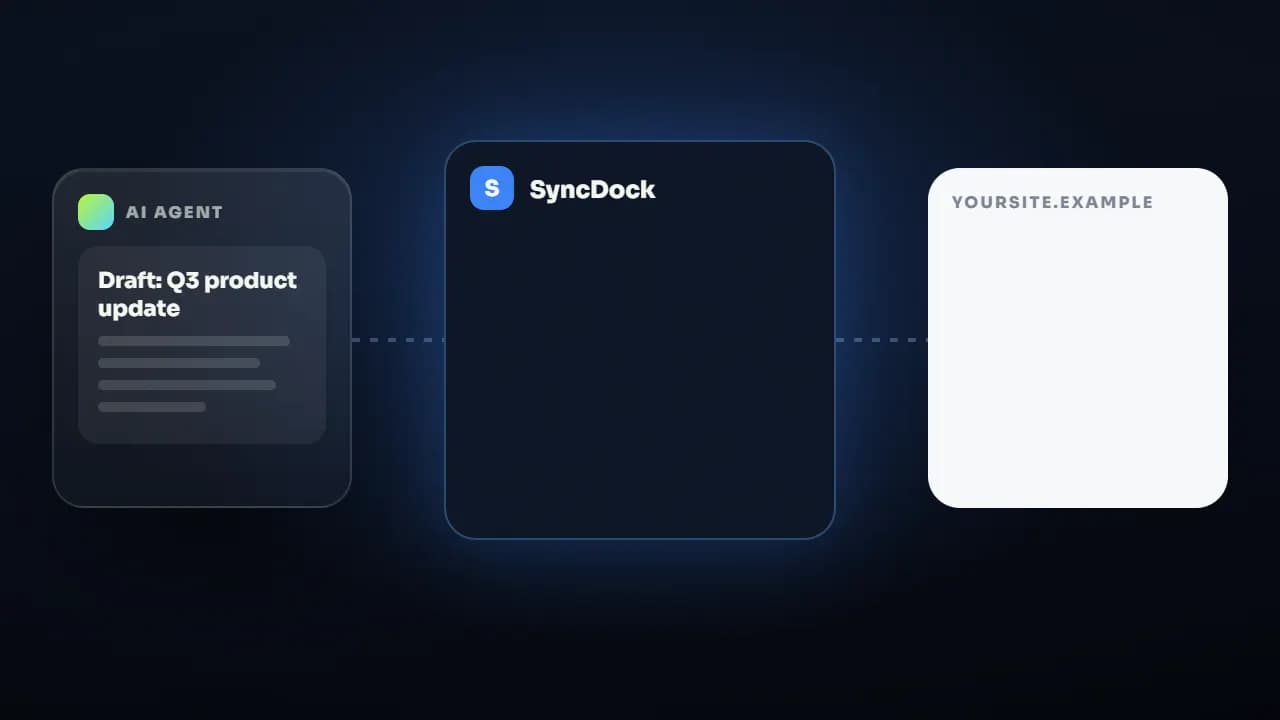
Why software is hard to explain and easy to show
Every SaaS product sounds like every other SaaS product on paper. "Automate your workflow" describes ten thousand companies. The thing that separates yours is what it looks like when it works — the specific screen, the specific moment where the manual version of the job collapses into one click. Text cannot carry that, because text has to describe an interface the reader has never seen, and by the time they have assembled it in their head they have already left. A video skips the assembly step entirely: the viewer sees the interface, sees the action, and forms an opinion in the first four seconds. Our job is to make sure the opinion they form is the one you want.
What's included.
Every SaaS & app explainers engagement covers all four of these — they are the work, not upsells.
A script written from the product, not the pitch deck
We start inside the product, not inside your marketing copy. Given a demo login or clean screen recordings, we work out the single journey that best demonstrates the value — usually one realistic task, start to finish — and script around that. The script goes to you for approval before a single frame is animated, because a script problem costs an hour to fix and an animation problem costs a week.
Real UI, cleaned up rather than faked
We capture your actual interface and rebuild it as motion: cursor paths smoothed, loading states compressed, typography made legible at mobile size, irrelevant chrome removed. The result still looks like your product — a viewer who signs up recognises the screen they saw. Where a UI is mid-redesign, we can build an abstracted version instead, which survives your next release without a re-shoot.
Voiceover, sound design, and a muted-first edit
Most people meet a landing page video with the sound off. So the edit is built to work silently first — on-screen type carrying the argument, motion carrying the pacing — then the voiceover and sound design are layered on for the viewers who unmute. That is the opposite of the usual order, and it is why our hero videos still read in a feed.
Cutdowns for every placement you actually have
One 60-second master is rarely enough. The same production yields a 30-second landing-page cut, vertical cutdowns for social, and short single-feature clips you can drop into onboarding emails or a support macro — produced together, so they cost a fraction of commissioning them separately later.
See the work.
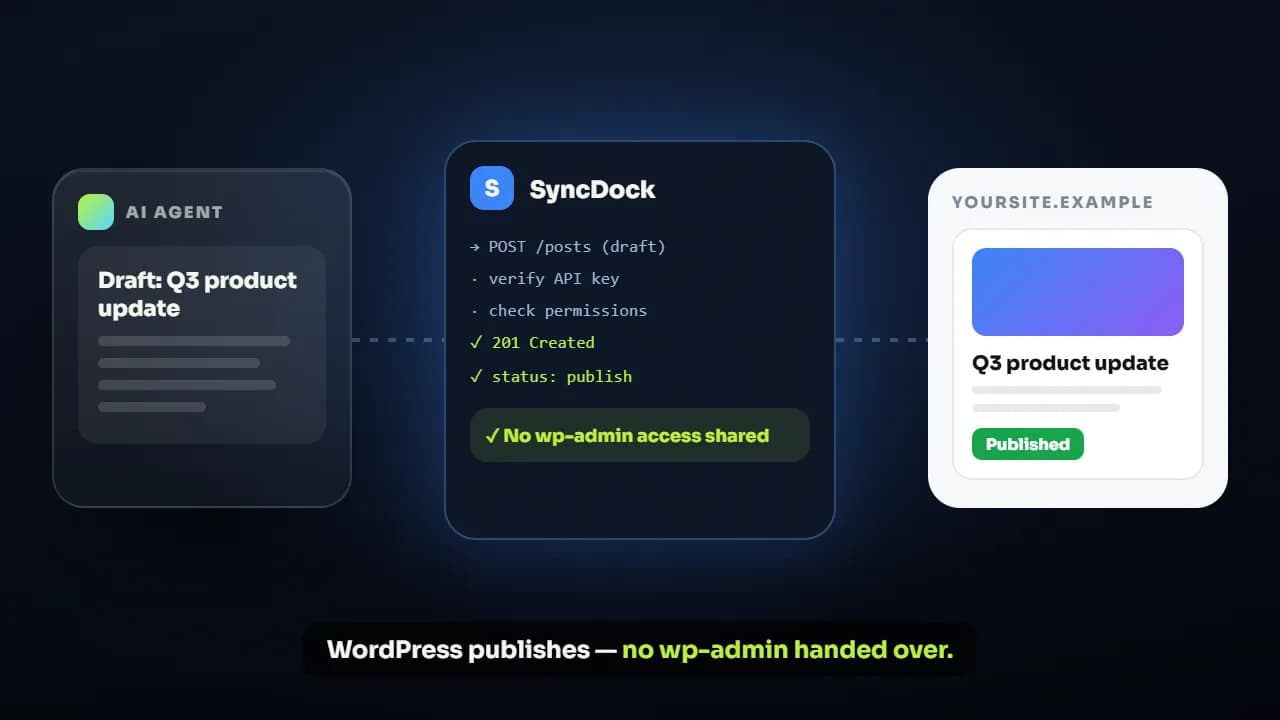
Style samples for this service — grouped by what they demonstrate, because that is how buyers actually choose.
 1
1 2
2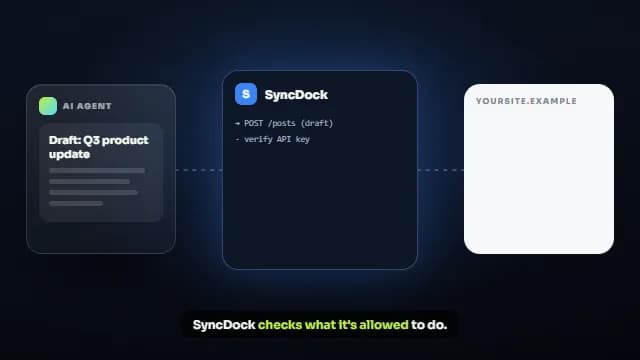 3
3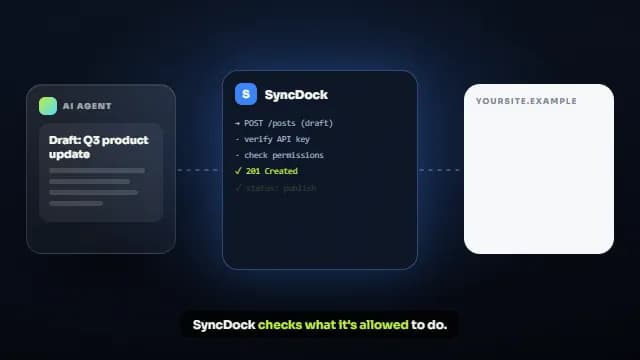 4
4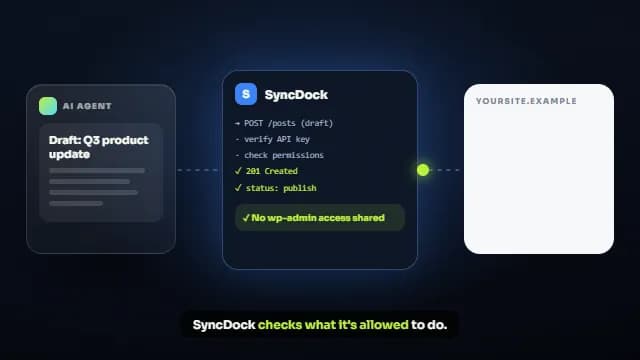 5
5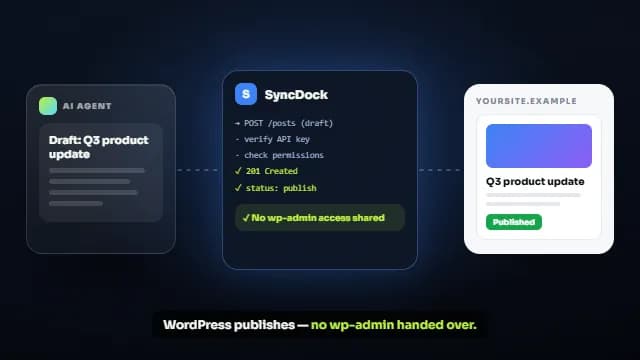 6
6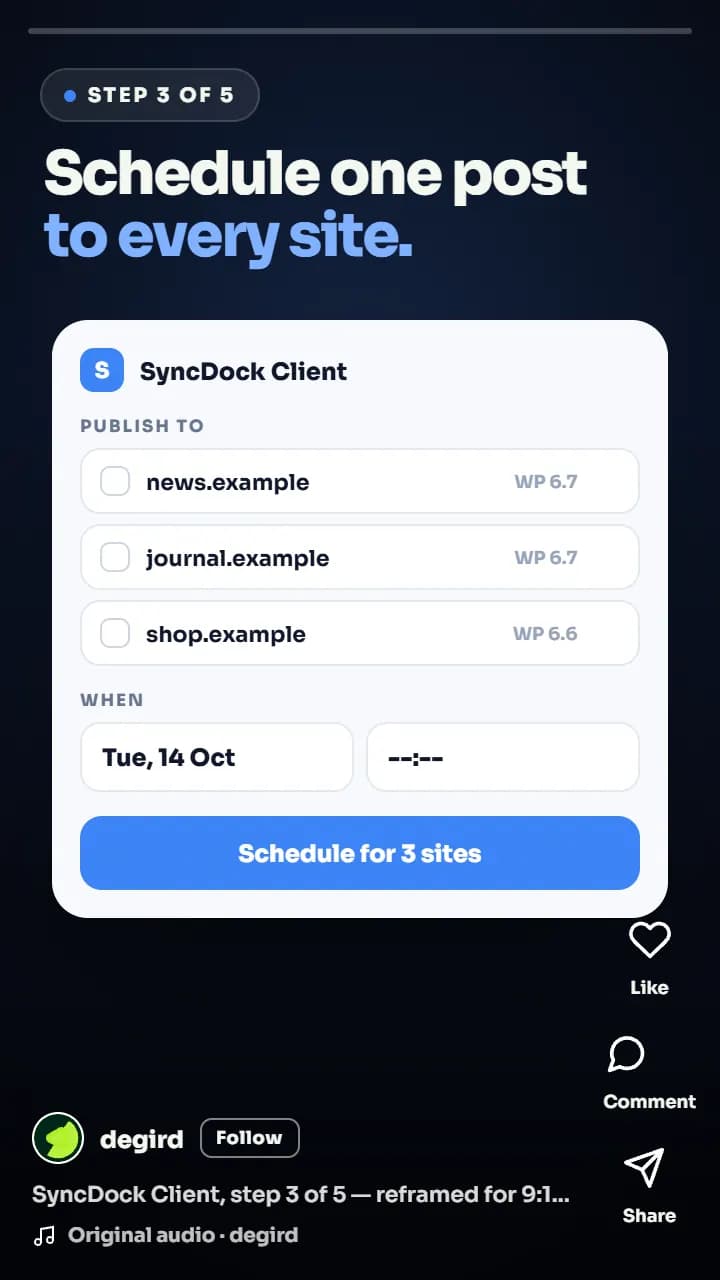
What you actually receive.
Resolutions, ratios, formats, and source files — stated up front rather than discovered at handover. Full delivery specification.
- Length
- 30–90 seconds for a hero explainer; 2–3 minutes for a full walkthrough
- Master resolution
- 4K (3840×2160) or 1080p, at the frame rate your UI was captured at
- Aspect ratios
- 16:9 master, plus reframed 9:16, 1:1, and 4:5 versions
- Formats
- MP4 (H.264) as standard; ProRes or WebM on request
- Captions
- Burned-in captions plus separate .srt and .vtt files
- Source files
- Full After Effects / Premiere project, linked assets, and fonts
- Extras
- Poster frame at 1280×720 and a 1200×630 social card
How it gets made.
The sequence for this service specifically. How we work, in detail.
- 01
Product teardown
We get into the product — a demo login where possible — and find the one journey that proves the value fastest. You get that recommendation in writing, with the reasoning, before anything is written.
- 02
Script and screen plan
A word-for-word script paired with a shot-by-shot plan of which screen appears when. You approve both together, because a script only means something once you can see what will be on screen while it is read.
- 03
Capture and design pass
Screens are captured and rebuilt as motion, with a styleframe sent for sign-off before the full animation is committed. This is the last cheap moment to change the look, and we make a point of using it.
- 04
Animation, voiceover, sound
The full edit is assembled: motion, voiceover, sound design, captions. You see a watermarked draft for the revision rounds included in your package.
- 05
Delivery and cutdowns
Final masters in every ratio you need, caption files, poster frames, and the editable project files — all delivered together, so nothing needs chasing afterwards.
Where we've done it.
Real clients, live products. Every one of these links to the finished work in the place it actually runs.
SaaS · AI Email Marketing
EmailFunnelAI
Turning a prompt-to-funnel AI tool into a story people understand in 60 seconds
Read the case study Watch the videoHealthTech · Digital Prescriptions
CloudRx
An AI-animated promo that makes digital prescribing feel effortless for doctors
Read the case study Watch the videoWordPress · Community & Support Platform
ZenCommunity
Turning five plugins' worth of features into one clear pitch in under a minute
Read the case study Watch the videoSaaS · AI Content Summarization
TubeOnAI
Showing, not telling, how one platform turns hours of video into a two-minute read
Read the case studyWhat it costs.
Solo Starter buys one sub-60-second explainer with a 3-day turnaround and one revision round. If you also need a walkthrough, a tutorial, and launch reels, Solo Launch bundles them for $300. Teams shipping explainers continuously usually move onto the monthly retainer instead.
$200
Solo Starter
One hero video to anchor your landing page.
3-day turnaround · 1 revision round
$300
Solo Launch
A full launch-day kit for one product.
5-day turnaround · 2 revision rounds
$550
Startup Boost
Everything in Solo Launch, built out for your first ad tests.
7-day turnaround · 3 revision rounds
$950
Growth Bundle
A distinct brand look, built for scaling acquisition.
10-day turnaround · Unlimited revisions
SaaS & App Explainers questions.
For a landing page hero, 30 to 60 seconds. For post-signup onboarding, 60 to 90 seconds, because the viewer has already opted in and is trying to learn something specific. For a full product walkthrough on a dedicated page or an app store listing, two to three minutes. The most common mistake is making one video try to do all three jobs — it ends up too long for the hero and too vague for onboarding.
A demo login is the best input, because it lets us capture the real interface at its real pace. Clean screen recordings at 1080p or higher work almost as well, and a Figma file of the screens works when the feature is not built yet. What does not work is compressed screenshots pulled out of a slide deck — they can't be re-timed or re-framed.
Tell us at the brief stage if a redesign is coming. When a product is mid-redesign we build the video around abstracted UI — the same layout logic and brand colours, without pixel-exact screenshots — which stays accurate across releases. If a pixel-accurate video does go out of date, having the source files means a screen swap is a small job rather than a new production.
We write it. Send whatever messaging you already trust — landing page copy, a sales deck, the answer you give on demo calls — and we turn it into a script built for the screen, then put it in front of you for approval before any animation starts. If you already have a script you like, we will work to it and flag anything that will not survive contact with a 60-second edit.
Yes. On final payment, ownership of the finished video and the editable source files transfers to you, with no usage window, territory limit, or separate buy-out. Every third-party asset in the edit is commercially licensed before it is used, and you receive the asset list with the delivery.
A single sub-60-second explainer on the Solo Starter package has a 3-day turnaround. Larger kits run 5 to 14 days because they cover several assets produced together. On the monthly retainer, individual requests average about 48 hours, one at a time from your queue.
More on ownership, licensing, payment, and revisions in the full FAQ.
What clients say.
“Degird was great to work with. They understood what I wanted and delivered a clean, high-quality promo and walkthrough videos that matched my expectations. Communication was smooth, and the whole process was easy. I'd definitely recommend Degird.”
Ratul Hasan
“I had a fantastic experience with Degird! I worked with them to implement a Lottie animation for my application, and the results exceeded my expectations. The process was smooth, professional, and the team made everything easy to integrate. Highly recommend Degird for anyone looking to enhance their app with high-quality animations!”

SM Jony
Verified reviews, not cherry-picked quotes.
We'd rather send you to an independent review platform than write our own testimonials. See what clients say about working with Degird on Trustpilot.
Read Our Trustpilot ReviewsNeed SaaS & app explainers?
Tell us what the video has to achieve and when you need it. We reply within one business day with a package or a scoped quote.
Start your project